Review HUANUO if adjustability and a mainstream single-monitor use case matter most.
Comparison guide
Price awareness: desk-gear prices move often, especially around sale events — the buttons below open each product's current listing, so check today's price before you decide.
Best Single Monitor Arms for Small Home Offices
We researched two currently available single-monitor options for compact desks: HUANUO FlowLift Pro as the broader-fit choice and ErGear as the budget-oriented alternative.
Research pick · broader fit
HUANUO is the more versatile choice for typical single-monitor desks.
Check current details
Research pick · budget fit
ErGear is the lower-cost option for a straightforward single-monitor setup.
Check current details
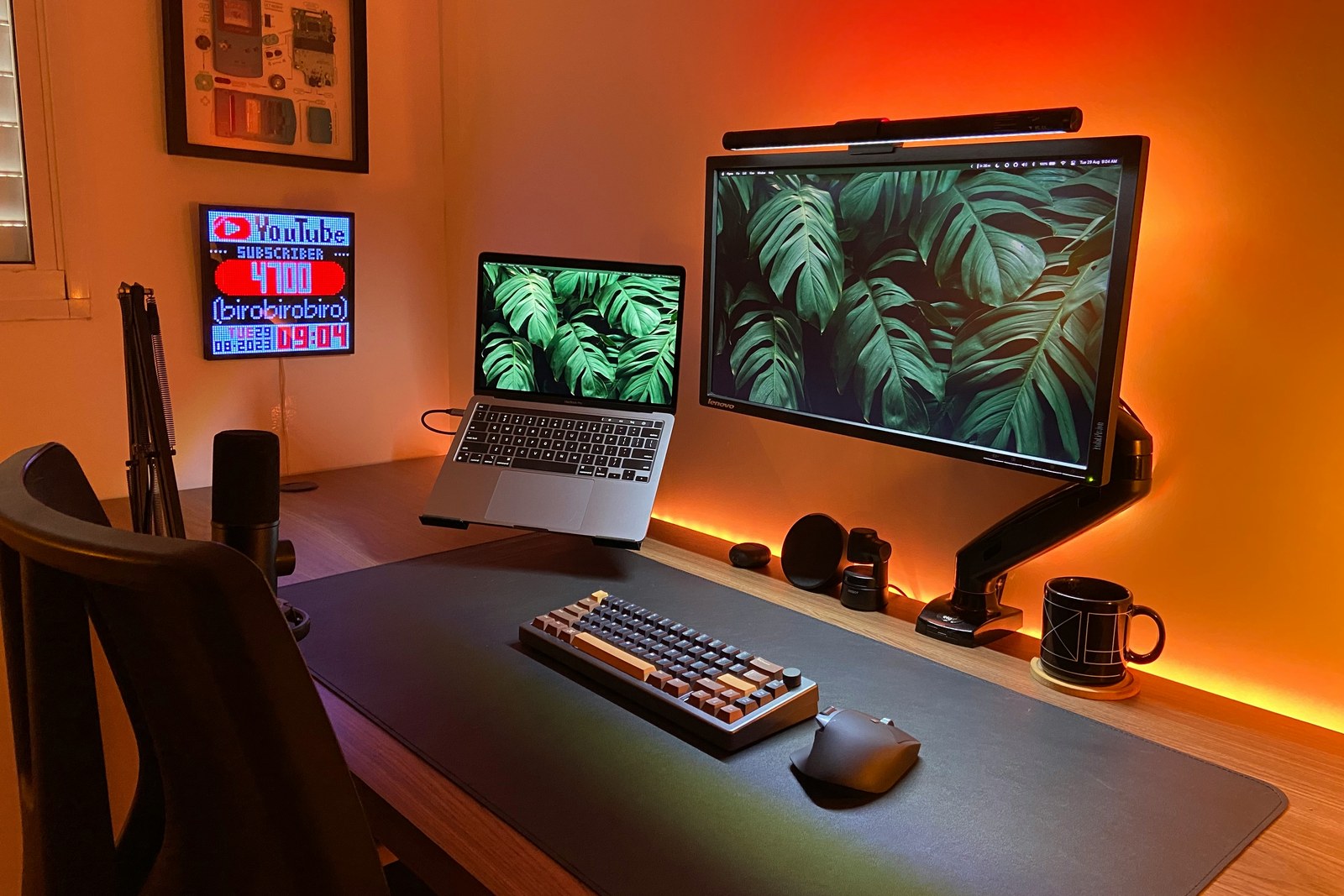
Photo: João Inácio / Unsplash
How we evaluated this category
Desk fit matters more than a generic ranking.
Mounting compatibilityRear clearanceMonitor fitCable routingAdjustment needsCurrent availability
These recommendations are based on editorial review of available product information and small-desk use cases. We have not hands-on tested these models, so confirm current manufacturer specifications, monitor compatibility, warranty, and seller terms before buying.
Start with the desk
Match the arm to your constraints first
Use these paths to identify the relevant fit, then verify the comparison details before leaving the site.
Still deciding whether the desk needs one arm, one dual mount, or two singles? Use the single-vs-dual monitor-arm decision guide before comparing product options.
Review ErGear if price matters more than broader adjustment and feature flexibility.
Use the comparison and fit notes before deciding whether either option suits the desk.
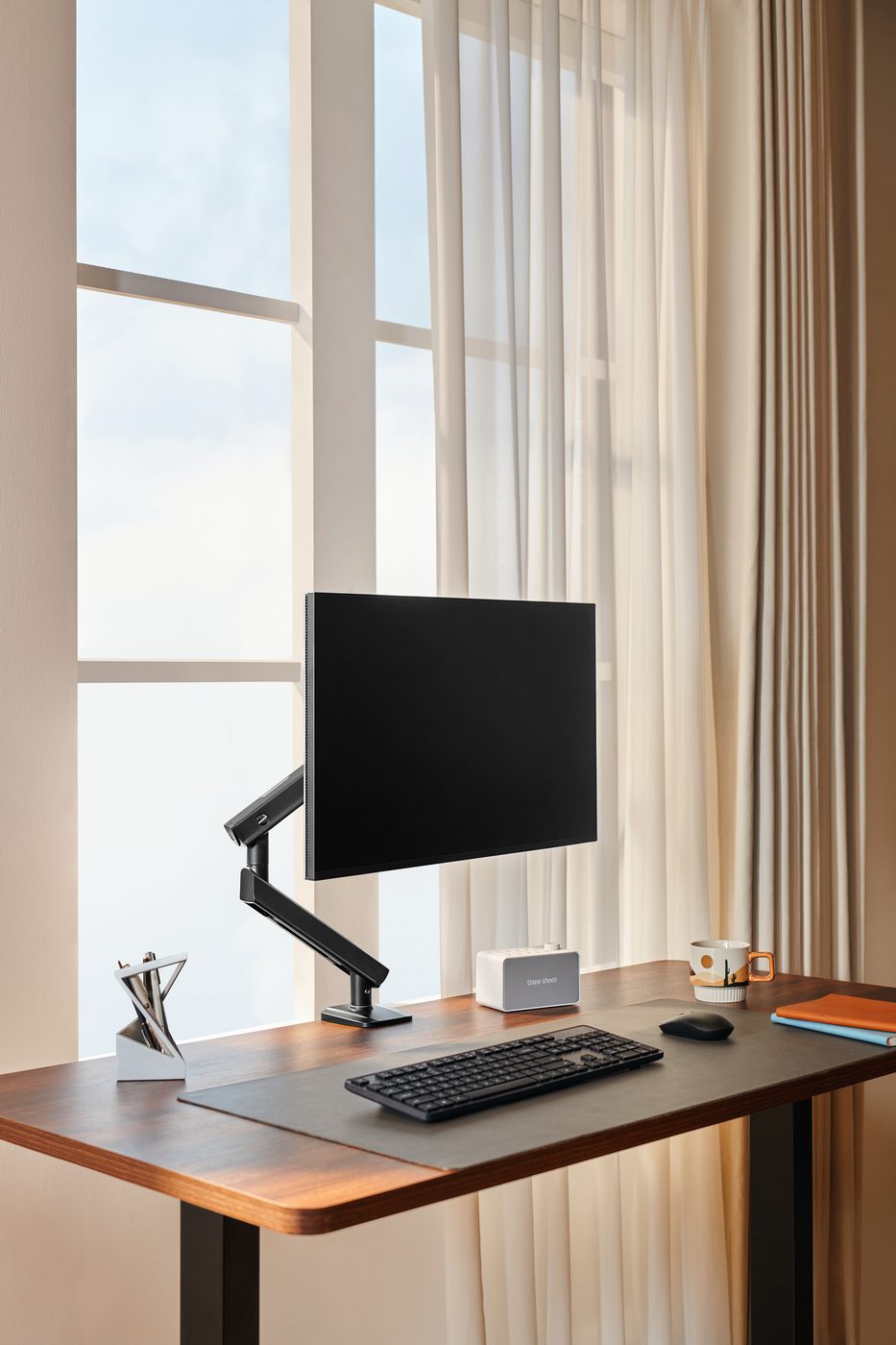
HUANUO FlowLift Pro — Photo: HUANUO (press image)
Best overall
HUANUO FlowLift Pro Single Monitor Mount
Consider HUANUO when your monitor falls within its listed size and weight range and you want a full-motion clamp-or-grommet mount.
Why it stands out: the manufacturer lists a 16.5-inch maximum height and 18.7-inch extension, giving more placement flexibility than a fixed pole-style arm.
- Verify monitor weight without its removable stand and confirm the VESA pattern
- Measure desk thickness, rear clearance, and cable reach through the intended movement range
Check current HUANUO details
Confirm monitor, VESA, and desk-mount fit before ordering.
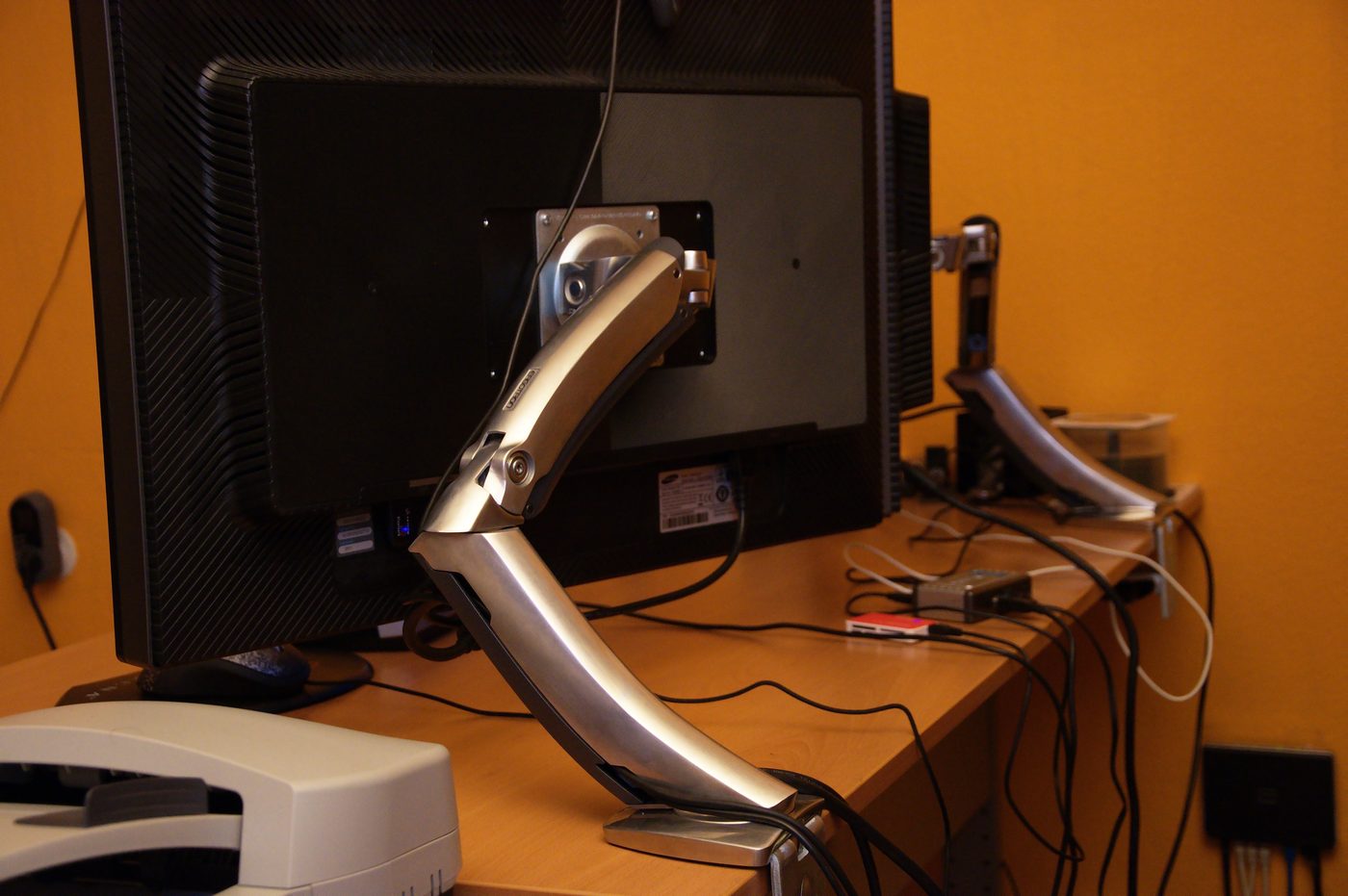
Representative single monitor arm — Photo: Ben Scholzen (CC BY 2.0)
Best budget pick
ErGear Single Monitor Arm
Consider ErGear when you want the lower-cost option in this comparison and its current size, weight, and mounting limits match the setup.
Why it is included: the current listing covers a wider stated screen-size range while retaining a 19.8-pound maximum load.
- Confirm the exact listing model because ErGear publishes several similarly named monitor arms
- Check VESA pattern, desk mounting limits, and adjustment range on the current product page
Check current ErGear details
Confirm the exact model and compatibility before ordering.
How to judge the category
What matters most in a small home office
The best monitor arm for a small desk is usually not the fanciest one. It is the one that fits the desk edge, supports the actual screen weight, moves cleanly, and keeps cables under control instead of adding more visual noise.
Desk fit first
Clamp depth and grommet compatibility are the clearest way to rule picks in or out.
Support matters
Weight range and screen-size fit matter more than brand reputation alone.
Cleaner movement
Reach, tilt, and cable routing matter most when every inch of desk space counts.
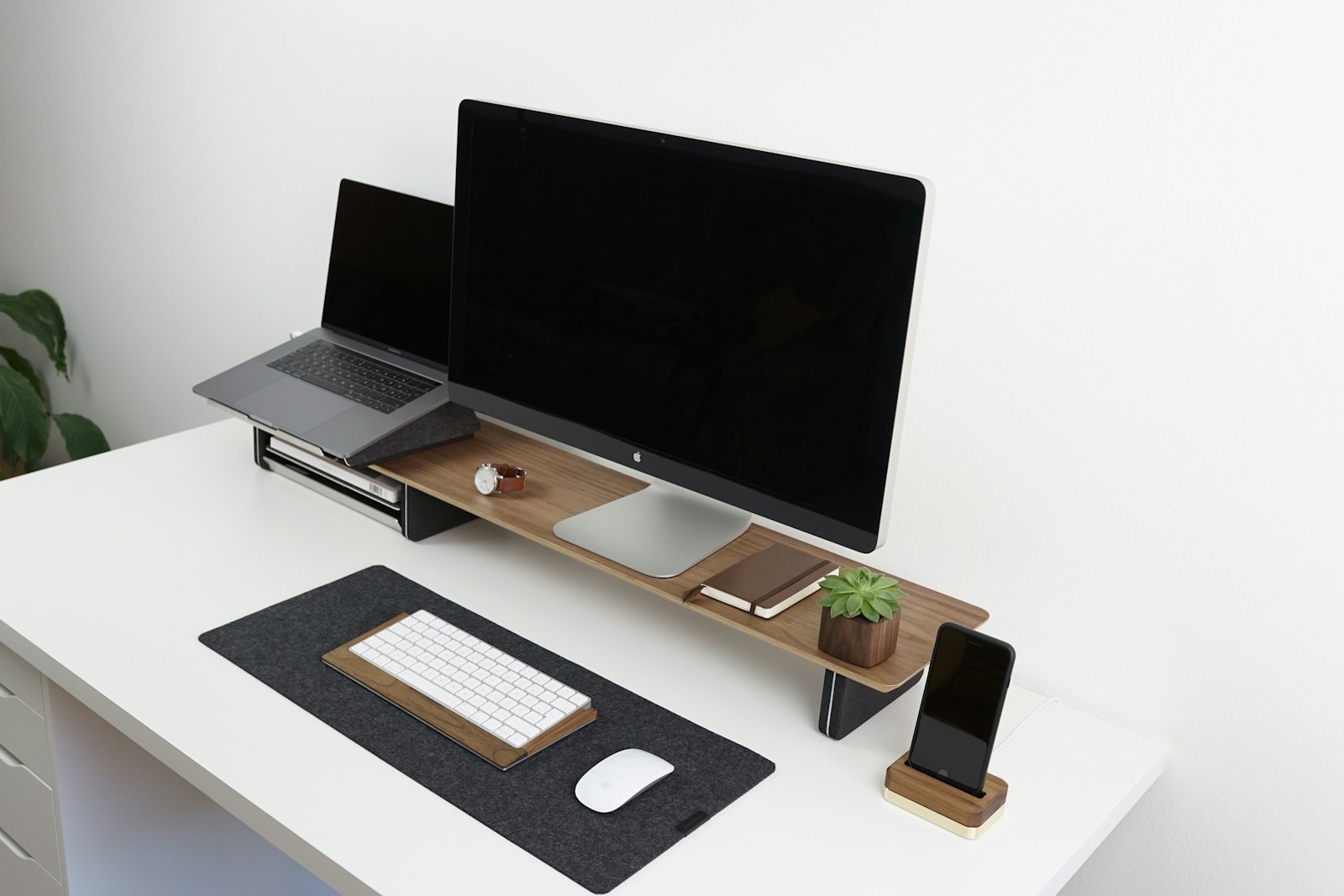
Photo: Unsplash
Clamp depth and desk compatibility
Check desk-edge thickness and whether the back edge is clear enough for a clamp before buying anything.
Weight support
Match the arm to your monitor size and actual weight, especially with larger screens.
Range of motion
On a small desk, you want enough lift, tilt, and reach to position the screen well and fold it back out of the way.
Cable management
Built-in cable routing makes a real difference when clutter builds fast in tighter desk setups.
Best pick categories
HUANUO FlowLift Pro
The broader-fit research pick when its monitor load range, mounting method, and movement envelope match the desk.
ErGear Single Monitor Arm
The lower-cost research pick. Check the current product page for the exact model, specifications, price, and availability.
HUANUO FlowLift Pro
A candidate for compact desks only after measuring the clamp area, rear clearance, and full movement envelope.
ErGear Single Monitor Arm
A value-oriented option when the current listing's fit and adjustment range cover the actual monitor and desk.
Who should buy a monitor arm
- Your desk feels crowded.
- Your monitor sits too low or too far back.
- You switch between focused work and video calls.
- You want cleaner cable routing.
- You use a sit-stand desk or move your screen often.
- Not sure an arm beats a simple riser? Read our monitor arm vs monitor riser decision guide first.
Setup tips for small spaces
- Mount the arm as far back as your desk allows.
- Raise the monitor so the top third of the screen is around eye level.
- Route power and display cables through the arm if possible.
- Leave enough rear clearance for full movement before tightening everything down.
- If your desk is flimsy, add a reinforcement plate before mounting.
Final recommendation
For many compact desks, a single-monitor arm with clear mounting guidance and integrated cable management is the simpler starting point. HUANUO FlowLift Pro is the broader-fit research pick on this page; ErGear is the budget-oriented alternative. Neither is universal, so verify the current monitor and desk requirements first.
Some links on this page may be affiliate links. See the affiliate disclosure and use the contact page for corrections or business inquiries.
Primary references
Manufacturer, current product-listing, and workstation references used to verify category framing and model-specific context. These are non-affiliate references; current product details should still be checked before purchase.