Start with Roost if the stand has to live in a bag and work across multiple locations.
Comparison guide
Price awareness: desk-gear prices move often, especially around sale events — the buttons below open each product's current listing, so check today's price before you decide.
Best Laptop Stands and Laptop Mounts for Hybrid Work
We researched four stand styles for hybrid work: travel-first portability, budget portability, fixed desktop use, and adjustable desktop positioning.
Research pick · budget travel
K7 is the lower-cost folding option for hybrid use.
Check current details
Research pick · frequent travel
Roost is the strongest carry-everywhere option.
Check current details
Research pick · fixed desk
Rain Design is the clean desktop riser for home-office-first use.
Check current details
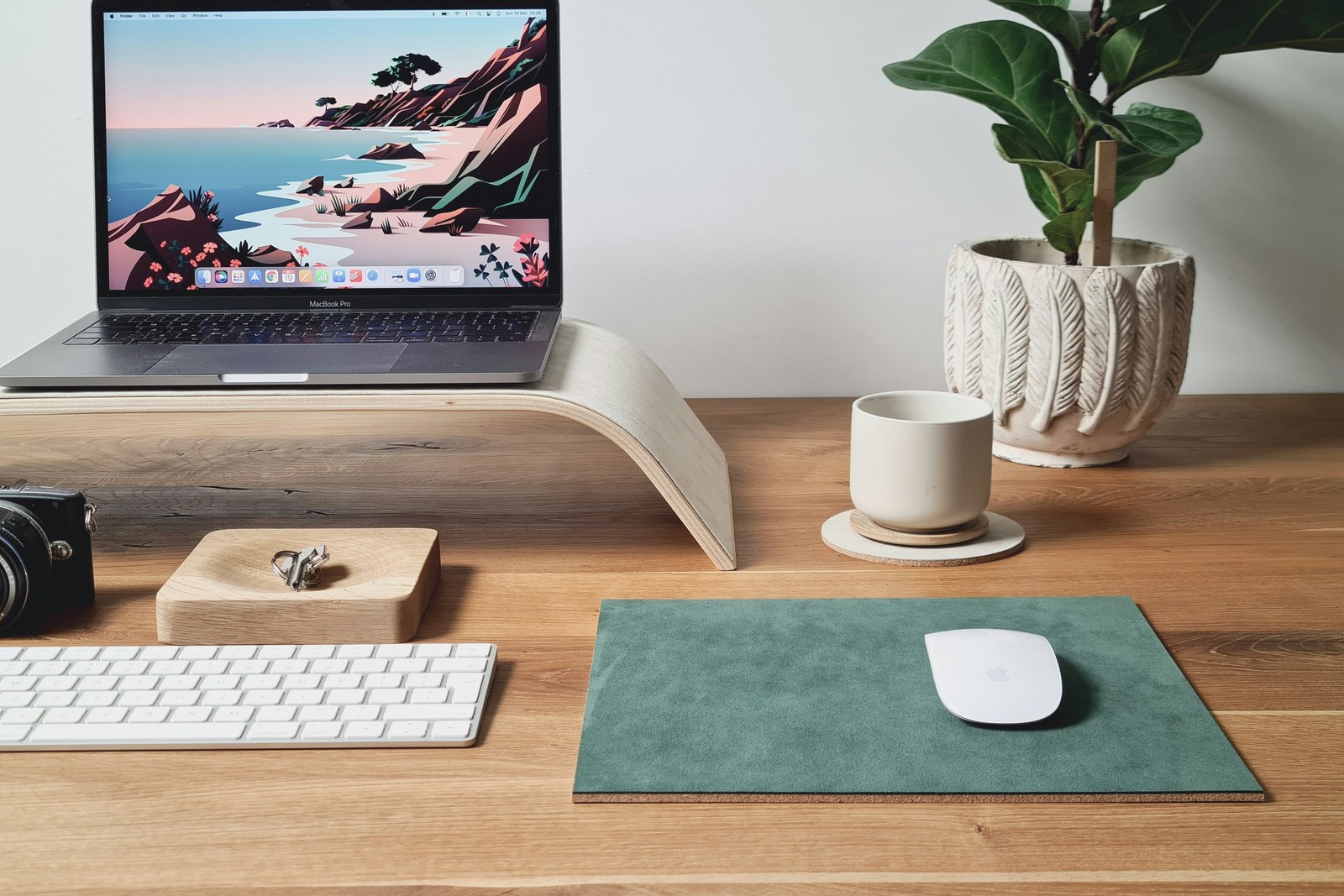
Photo: Workperch / Unsplash
How we evaluated this category
Work pattern and device fit come before ranking.
PortabilityAdjustment rangeDesk footprintLaptop compatibilityKeyboard needsCurrent availability
These recommendations are based on editorial review of available product information and hybrid-work use cases. We have not hands-on tested these models, so confirm current dimensions, device compatibility, stability guidance, warranty, and seller terms before buying.
Choose your buying path
Pick by work pattern before you read the full comparison
If you already know whether you commute, stay at one desk, or just need the lowest-cost portable fix, start with the matching path below.
Start with K7 if you want a lower-cost current option that still folds down for hybrid use.
Start with Rain Design if you want a cleaner fixed desktop riser instead of a travel-first stand.
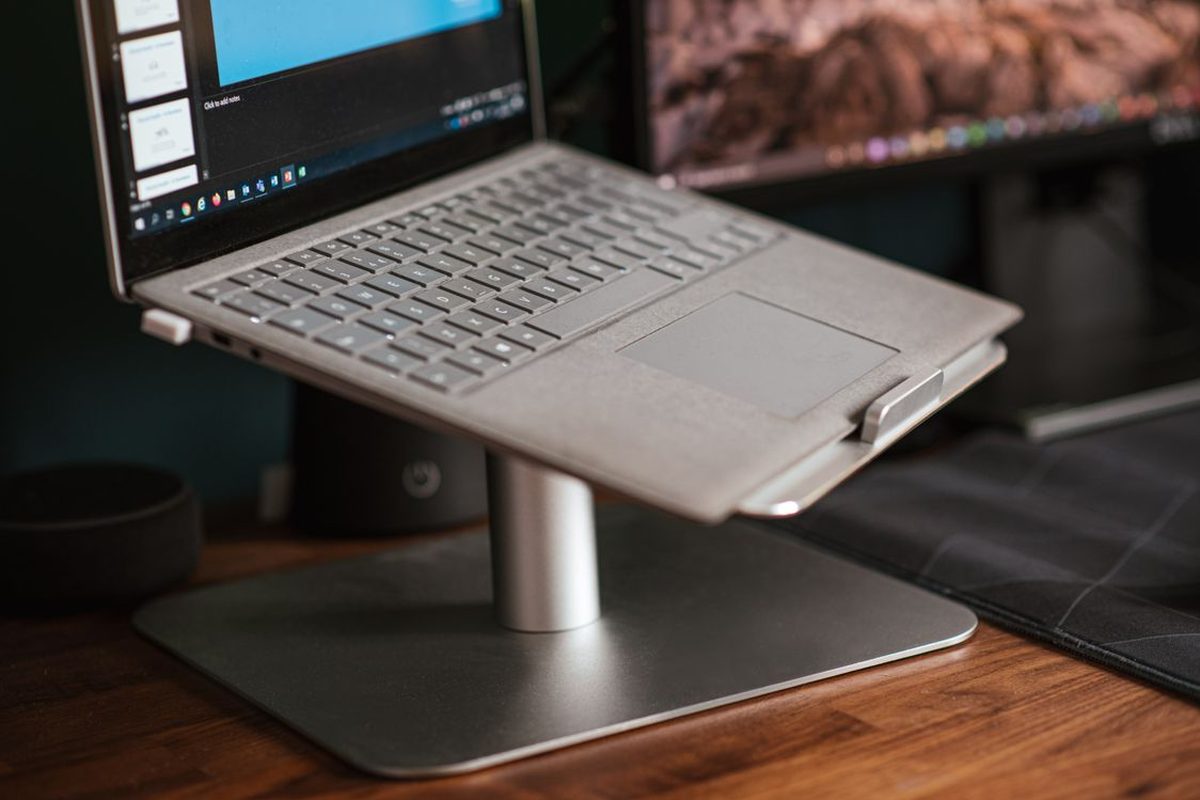
Representative laptop stand setup — Photo: Anete Lusina / Pexels
Best overall pick
Roost Laptop Stand, Roost V3
Choose Roost if you want the clearest hybrid-work stand that actually travels with you.
Why this wins: clearest live default for a stand that travels.
- Best if you move between home, office, and coworking often
- Easy pick when your stand has to vanish into a bag fast
Go to Roost V3 now
Best for buyers who need a stand that really travels.
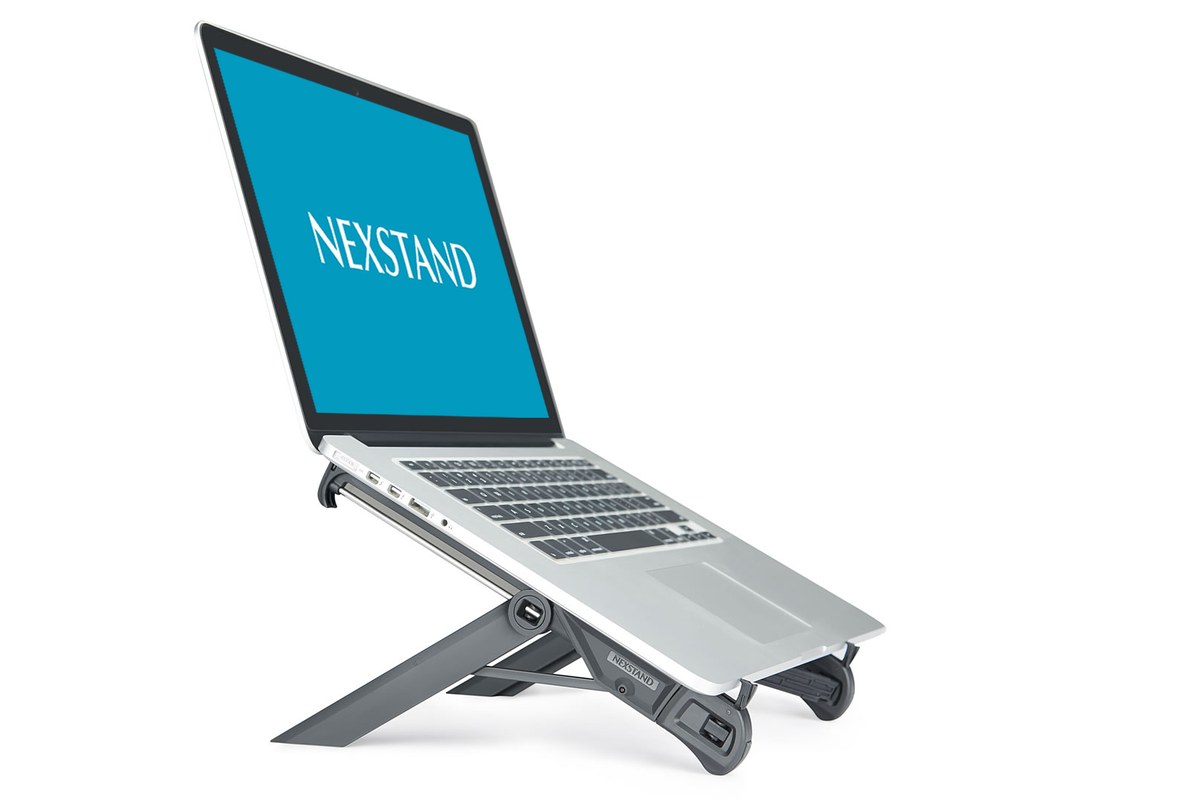
Official product photo — Photo: Nexstand · Nexstand K7 product page
Best budget pick
K7 Laptop Stand
Choose K7 if you want the lowest-cost credible portable stand without giving up foldability.
Why this wins: lowest-cost credible current product option to portable posture help.
Key specs (per Nexstand): ~200 g · fits 10″–17″ laptops · holds up to 9 kg · raises the screen ~14 cm · folds flat for travel.
- Best if you need portability without paying Roost prices
- Easy cheap upgrade when one fixed desk is not your reality
Get K7 now
Best for buyers who want portability at the lowest cost.
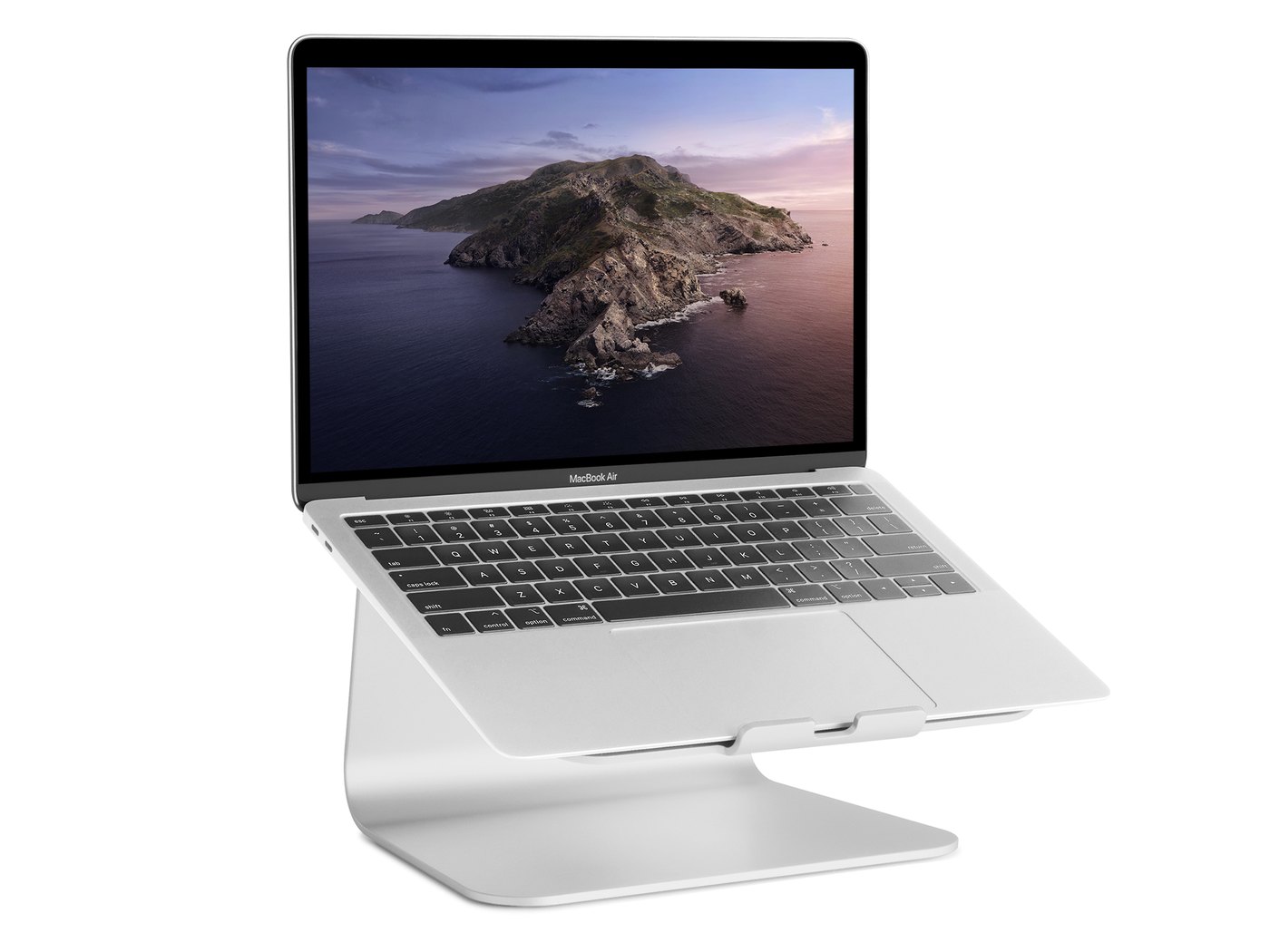
Rain Design mStand — Photo: Rain Design (press image)
Best premium aluminum pick
Rain Design mStand
The clean premium fixed-riser option for people whose laptop mostly lives on one desk and who care more about stable elevation and desktop polish than fold-flat portability.
Why this wins: strongest fixed desktop choice if your setup stays put and aesthetics matter.
- Best for home-office-first setups
- Works better with an external keyboard and mouse
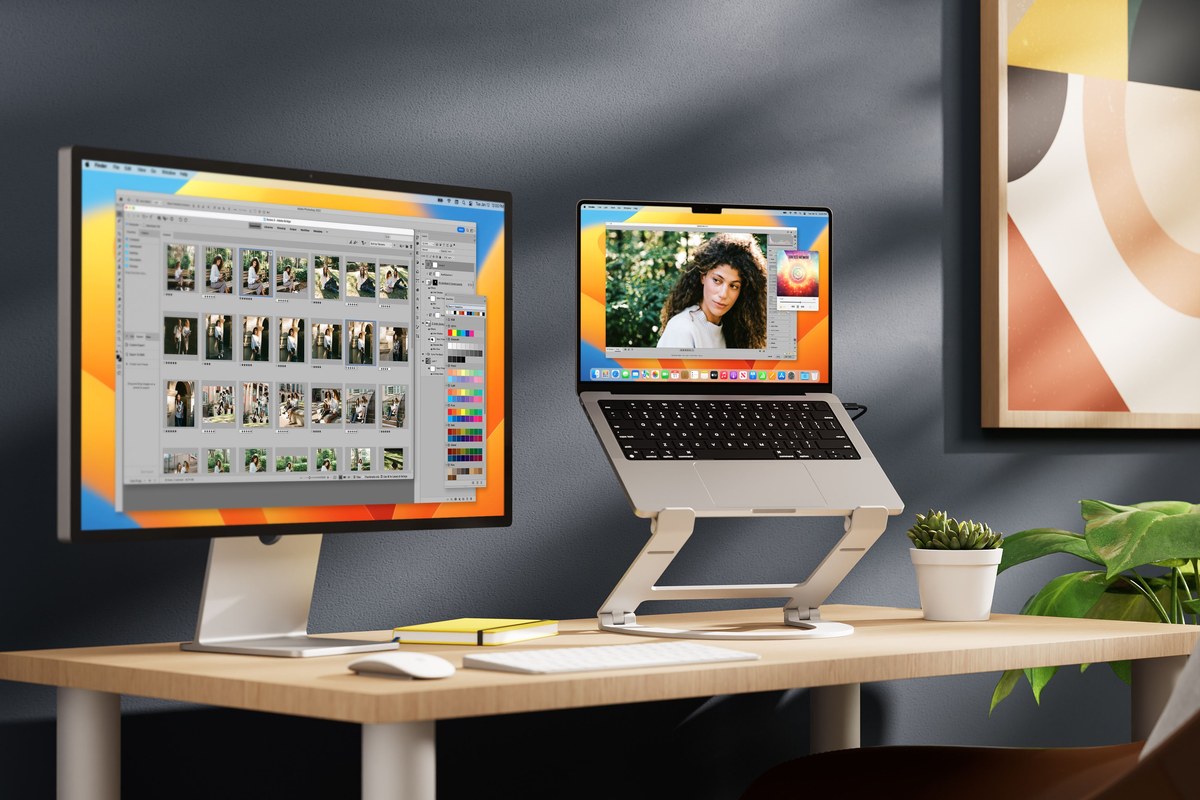
Twelve South Curve Flex — Photo: Twelve South (press image)
Best adjustable riser contender
Twelve South Curve Flex
The most flexible desktop pick here if you want more height range and adjustability than a basic fixed riser, while still keeping a more premium design feel.
Why this wins: best live premium option if you want more lift and adjustment without giving up fold-flat behavior.
- Best if you want fold-flat portability with more desktop lift
- Good for users who change posture or setup angle more often
How to judge the category
What matters most in a hybrid setup
The best laptop stand is not automatically the tallest or the most premium. It is the one that matches how often you move, how much desk space you actually have, and whether you use the laptop with an external keyboard or still type on the built-in keys.
Height range
A better stand brings the screen closer to eye level and works across different desks and chairs.
Stability
A stand should not wobble every time you type, tap the trackpad, or plug in a cable.
Portability
Weight, folded size, and setup speed matter more when the stand moves between locations.
Photo: Unsplash
Who needs a laptop stand
- You work from multiple locations during the week.
- Your neck or shoulders feel strained after long laptop sessions.
- You use an external keyboard and mouse at least part of the time.
- You want better airflow under the laptop.
- You need a more ergonomic setup without carrying a full monitor everywhere.
Best pick categories
Roost V3
The current best overall pick because it matches hybrid work better than the more desk-bound options. A very light carry weight and multiple height settings matter more than a heavy premium build if the stand actually travels with you.
Roost V3
The strongest travel pick. A 6 oz carry weight and up to 11 height settings make it the clearest fit for workers who regularly move between rooms, offices, or commute days.
K7 Laptop Stand
The budget front-runner because it keeps the price low, folds flat, and still fits hybrid workers better than a dead or fuzzy listing ever could.
Rain Design mStand
The premium aluminum desktop candidate for people with a more permanent home-office setup who care more about desktop polish and stable elevation than fold-flat portability.
Pairing tips with keyboards and docks
- If the stand raises the laptop significantly, use an external keyboard and mouse for better comfort.
- Pair a travel stand with a compact wireless keyboard if you work from different rooms or coworking spaces.
- If you use a USB-C dock, check that the stand leaves enough side clearance for cable routing.
- On shallow desks, favor stands with a compact footprint so the screen does not end up too close to your face.
Final recommendation
For most hybrid workers, a laptop stand is worth buying before more expensive desk gear. It is portable, relatively low cost, and makes a noticeable difference in comfort when paired with a keyboard and mouse. Right now, Roost V3 is the clearest overall choice because it best matches real hybrid movement between locations, while K7 stays the strongest budget path and Rain Design mStand remains the cleaner fixed-desk option.
Some links on this page may be affiliate links. See the affiliate disclosure and use the contact page for corrections or business inquiries.
Primary references
Manufacturer and workstation references used to verify fixed-stand context and laptop-workstation recommendations. These are non-affiliate references; current product details should still be checked before purchase.