Desk flow guide
Do You Need a USB-C Dock with an External Monitor?
A USB-C dock can be a clean way to connect a laptop to an external monitor, but it is not automatically the best answer. The right move depends on whether you want one cable, whether the monitor already does some hub work, and whether the desk still has enough room after the laptop is connected.
For many remote workers, the question is not just "dock or no dock." It is whether the setup should stay laptop-first, move to monitor-first, or simplify further before you buy another box of ports.
Experiment
Keep this guide unchanged until 2026-06-30 and watch the laptop-first route
Hypothesis: readers who already know the dock is not the final answer will click faster when the first banner sends them straight to the live laptop-stand route. Metric: clicks on the Roost V3 route from this page.
Quick rule
A dock helps only if it makes the monitor setup simpler, not busier
If the external monitor is already the main screen and the dock keeps the desk tidy, a dock can make sense. If the desk gets crowded, or the laptop stays awkwardly central, the better fix is often to change the screen layout first.
This guide is about planning and fit, not recommending one dock. Always confirm your laptop's charging, display-output, and USB-C or Thunderbolt support before buying around the setup.
Buying now
If the dock question is already settled, move to the live route that clears the desk fastest
Hypothesis: external-monitor readers click the laptop-first route faster when desk depth is named first, while the cleaner surface route catches the readers who only need a calmer finish.
Live now · laptop-first
Roost V3
Best next click if the dock is clear but the laptop still eats the desk's front edge and depth.
Live now · monitor-first
HUANUO FlowLift
Best next click if the monitor should own the desk and free the most depth.
Live now · cleanup-first
YSAGi Leather Desk Protector
Best next click if the dock works but the surface still feels visually busy.
What a dock actually changes
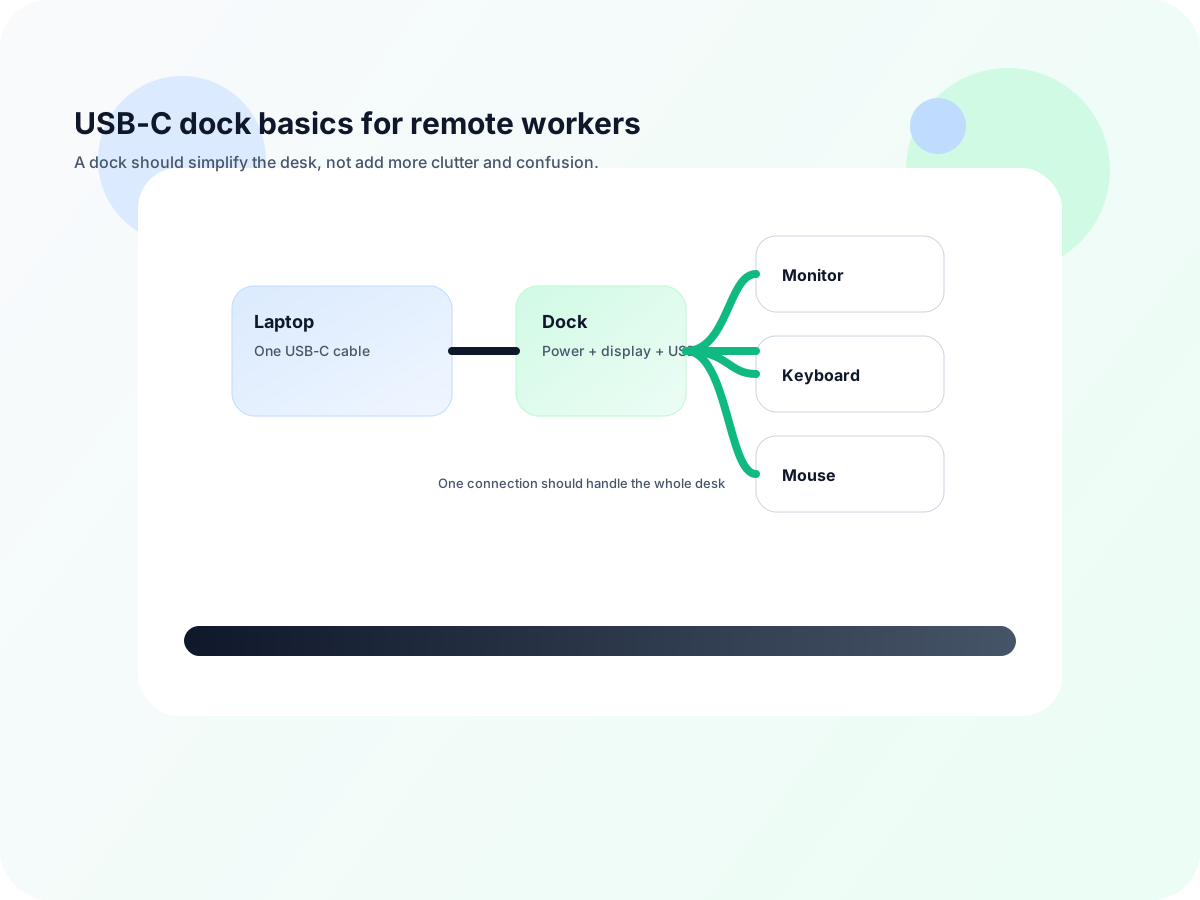
One central connection point
A dock can let the laptop connect once and leave the rest of the desk connected all day.
Less plug-in friction
If you dock and undock daily, a good setup can save time and reduce cable touchpoints.
More desk layout pressure
The dock still needs a place to live, and the monitor or laptop has to leave enough room for the keyboard zone.
Different results by laptop
USB-C does not mean the same thing on every machine, so support has to be verified first.
When a dock is worth it
| Good fit if... | Why it helps | Main tradeoff |
|---|
| You dock and undock every day | One cable into the laptop keeps the start and end of the workday fast. | You still need the right laptop support and monitor layout. |
| The monitor is already your main screen | The dock can sit in the background while the monitor handles most of the work. | The setup can still feel cramped if the laptop stays too central. |
| You use the same accessories every day | The dock can keep keyboard, mouse, and peripherals connected without repeated plugging. | Extra ports do not help if you rarely use them. |
| You want a cleaner desk flow | The setup can reduce visible cable clutter if the cable path is planned well. | The dock itself still needs a place to live. |
When you probably do not need one
- Your monitor already provides the ports or charging behavior you need.
- You only connect a couple of peripherals and do not dock often.
- The desk gets visually busier every time you add another box to it.
- The laptop needs to stay in the center of the desk for the workflow to feel natural.
Best next reads
Use these pages to finish the connection-flow decision
Go here if the dock question is really about whether the monitor should be the hub instead.
Go here if you are deciding whether the one-cable setup needs a dock before you choose the rest of the gear.
Go here if the next question is how a dock should fit into the overall desk setup.
Go here if the real goal is one clean connection instead of another port checklist.
Go here if the dock question is really about whether the laptop should stay active beside the monitor.
Ready to shop?
If the dock is not the fix, use the live categories that clear space fastest
If the setup is still awkward after the dock decision, a better answer is usually to make the laptop easier to live with or let the monitor lead the desk.
Live now · laptop-first
Roost V3
Best first click if the laptop still takes up the middle of the desk and needs to get off the desktop.
Live now · monitor-first
HUANUO FlowLift
Use this route if the better answer is to keep the monitor in charge and simplify the rest of the desk.