Roost V3
Best first click if the laptop is still crowding the desk and needs a cleaner home base.
A single-cable desk setup sounds simple, but the real question is whether your laptop can handle charging, display output, and accessories through one connection without creating a mess elsewhere.
In many cases, the answer is yes, but only if the dock or monitor hub matches your actual workflow. If the middle device is too limited, the setup stops feeling like a shortcut and starts feeling like another thing to manage.
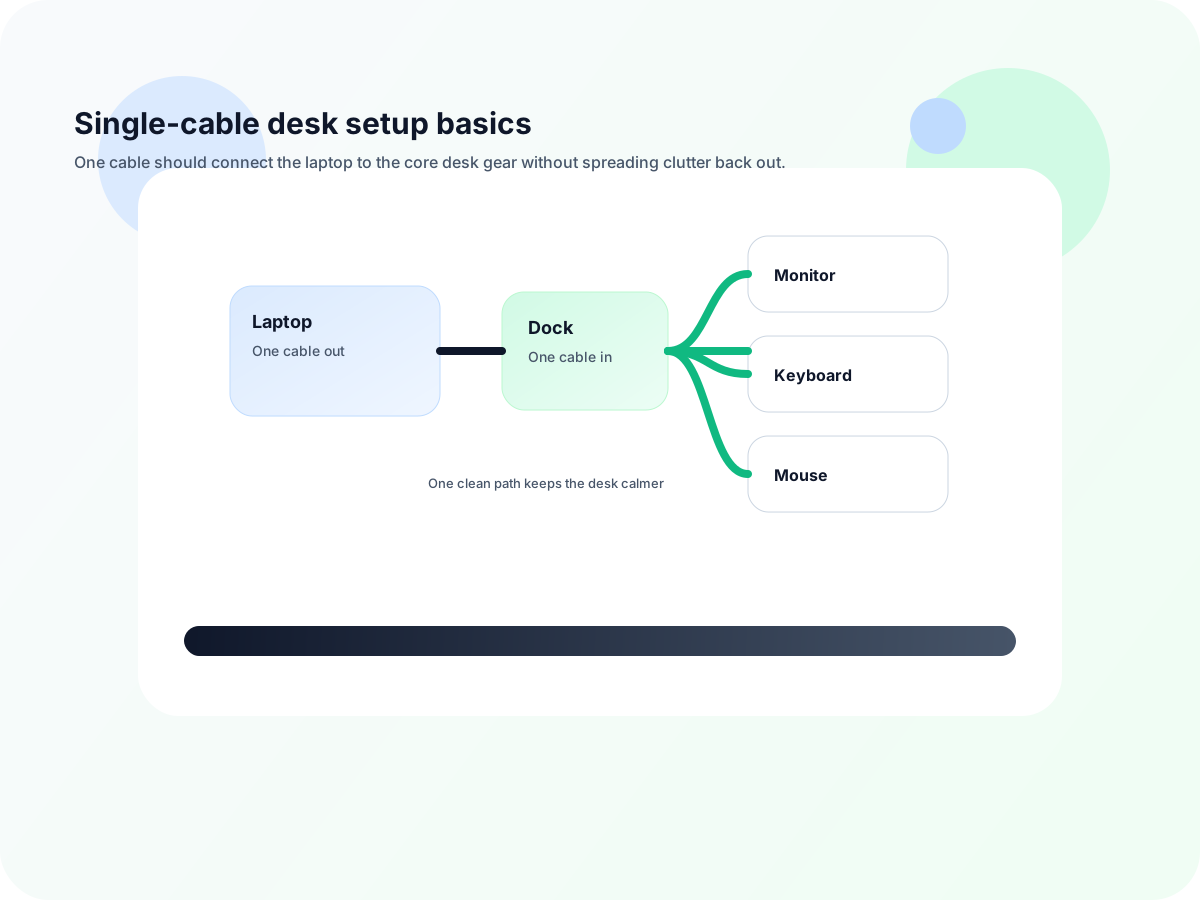
If the laptop needs to charge, run a display, and stay connected to keyboard-and-mouse gear, a dock often makes the setup cleaner and faster. If you only need one or two basic functions, a simpler path may be enough.
| Good fit if… | Why it helps |
|---|---|
| You plug and unplug the laptop every day | A dock makes the transition quicker and less annoying. |
| You need charging plus an external display | One connection can handle the basics more reliably. |
| You use the same accessories most workdays | Keyboard, mouse, and ethernet can stay connected through the same setup. |
| You want fewer visible cables | The desk looks calmer when the connection path stays centralized. |