Starter upgrade guide
Best first desk upgrade: choose the desk problem you feel most.
Start with the problem that affects the desk every day: cramped screen space, an undefined work surface, or an awkward laptop position. Review the fit notes before checking current product details.
Choose by constraint
The best starter upgrade addresses a problem you already feel
This page is intentionally shorter than a full comparison guide. Use it to identify the relevant category, then confirm product fit and current details.
A faster first decision
What is the best first desk upgrade?
Pick the upgrade that removes the friction you notice most often. A desk mat helps define a worn or cluttered work surface. A monitor arm can reclaim depth when the desk and monitor fit safely. A laptop stand is the simpler route when the laptop remains the main screen.
A “best” desk upgrade is not a trophy for the most complicated accessory. It is the one that makes the next workday less awkward.
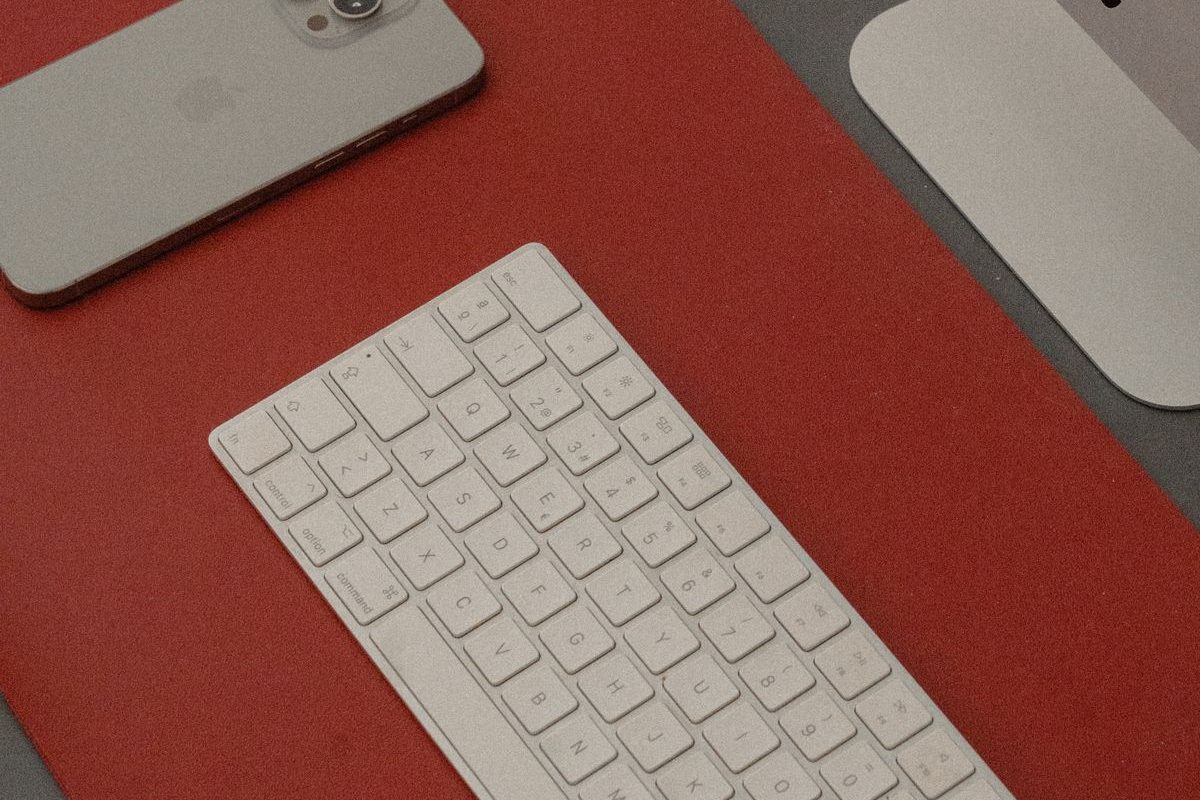
Representative desk mat — Photo: Ana Quirosa / Pexels
Desk-surface option
Aothia Leather Desk Pad
Consider this category if the desk surface feels harsh or the keyboard-and-mouse area needs a clearer visual boundary.
Why it stands out: a desk mat is easy to understand and changes the work surface immediately.
Monitor-space option
ErGear Single Monitor Arm
Consider this category if a stock monitor stand consumes useful desk depth and the desktop can safely support a clamp mount.
Why it stands out: a monitor arm can address a recurring space constraint when the desk and monitor are compatible.
Laptop-position option
K7 Laptop Stand
Consider this category if the laptop remains the main screen and needs a portable lift for hybrid work.
Why it stands out: a folding stand can improve screen position without committing the desk to a permanent monitor setup.
Disclosure
How this page makes money
DeskGearScout may earn a commission when you buy through affiliate links. The picks above are chosen because they are simple, low-cost routes into real desk improvements, not because they are the most expensive options.