Desk flow guide
Best Cable Management Kits for a Cleaner Desk
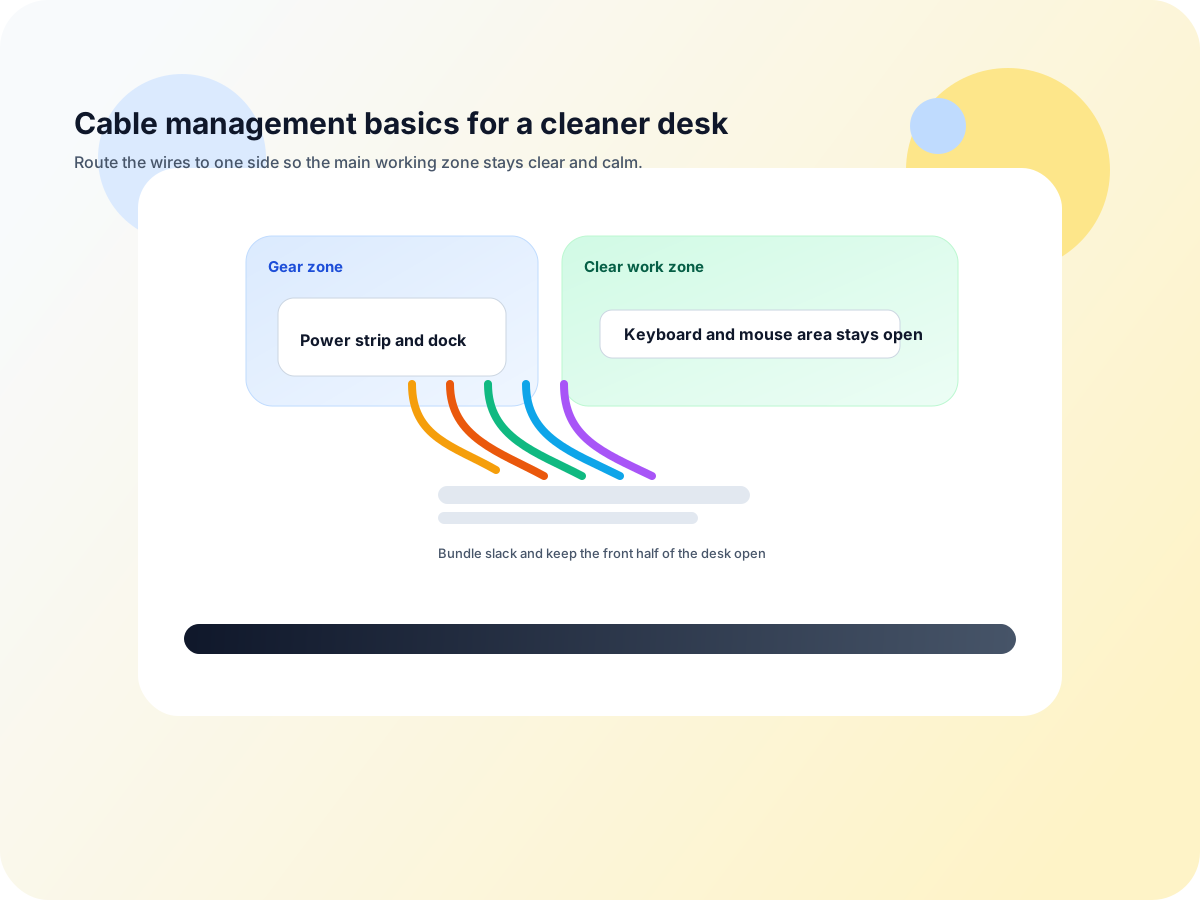
A good cable-management kit should make a desk easier to use, not just look tidier. The best kits help you route power and device cables in one direction, keep slack from hanging in view, and reduce the number of loose leads sitting on the desktop.
That matters because cable clutter rarely happens in isolation. It usually shows up when the desk also has a bulky monitor stand, a laptop taking up the front edge, or a dock and charger all competing for the same small space.
Quick rule
The best kit is the one that creates one clean cable path
If the kit does not give every cable a clear route, it usually just adds more pieces to manage. Start by deciding where power lives, where the main cable bundle will travel, and which cords truly need to stay visible on the desk.
This guide is about practical desk cleanup, not a single product recommendation. If the desk is already too crowded, the right answer may be a layout change before another organizer is added.
Experiment
Hypothesis: cable-heavy readers click faster when the first live panel leads with the layout fix, not just the visible cleanup win
Use the kit guide to understand the routing pieces, then move to the live category that removes the biggest desk bottleneck first. For cramped cable-heavy desks, that is usually screen depth before surface polish.
Live now · layout-first
HUANUO FlowLift
Best next click if the cable mess is being caused by a bulky stand or a monitor that still eats desk depth.
Live now · laptop-first
Roost V3
Best next click if the laptop itself is taking over the front edge and forcing awkward cable routing.
Live now · cleanup-first
YSAGi Leather Desk Protector
Best next click if the cable routing is already sensible but the desk still feels visually busy.
Guide next · one-cable
USB-C dock basics
Best next click if the clutter is really a cable-flow problem and you want the desk to connect with less friction.
What a cable-management kit usually needs
One anchor for power
The kit should make it obvious where the power strip or charging cluster lives so the desk does not sprawl outward.
One route for slack
Extra cable length needs a place to go. Loose loops are the fastest way for a setup to look messy again.
One way to keep leads in place
Clips, sleeves, or ties work best when they support a route instead of fighting it.
One cleanup boundary
A good kit defines where the active workspace ends so cables stop drifting into the typing and mousing area.
The simplest kit categories
| Kit type | Best for | Main tradeoff |
|---|
| Clip-and-tie basics | Small desks that only need slack control and edge routing | Good for cleanup, but not enough if the desk has a bigger layout problem |
| Under-desk management kit | Users who want the power strip and extra cables off the desktop | Usually more setup work and more permanent placement |
| Mixed accessory kit | Desks with several devices, adapters, and daily cable changes | Easy to overbuy and end up with more parts than you need |
Common mistakes
- Buying a full kit before deciding where the power strip will live.
- Trying to hide every cable instead of giving the important ones a clean route.
- Using too many clips or sleeves and turning the fix into another clutter layer.
- Ignoring the monitor or laptop stand that is causing the clutter in the first place.
- Picking a kit that is more visible than the cables it is supposed to tame.
Good next categories
If cable clutter is the symptom, these are usually the next useful pages
Use this if you want the routing logic before you buy any more organizers.
Useful if the surface itself still looks busy after the cable routing is fixed.
Useful if the cable problem is really a docking and connection-flow problem.
Useful when the desk works but you want fewer repeat plug-ins and a cleaner starting point each day.
Ready to shop?
If you want the clutter fix to start with a live category, go where the desk-space gain is biggest
Live now · layout-first
HUANUO FlowLift
Best first click if the desk still feels boxed in by the monitor stand or the front edge is crowded.
Live now · laptop stand
Roost V3
Use this route if the laptop is the thing crowding the desk and making cables feel untidy.
Live now · cleanup-first
YSAGi Leather Desk Protector
Use this route if the cables are under control but the surface still needs a cleaner visual finish.
Final takeaway
The best cable-management kit is not the most complete one. It is the one that solves the visible mess with the fewest parts and the cleanest path. If the cable problem starts with a stand, dock, or cramped desk layout, fix that first and let the kit do the smaller cleanup work after.